
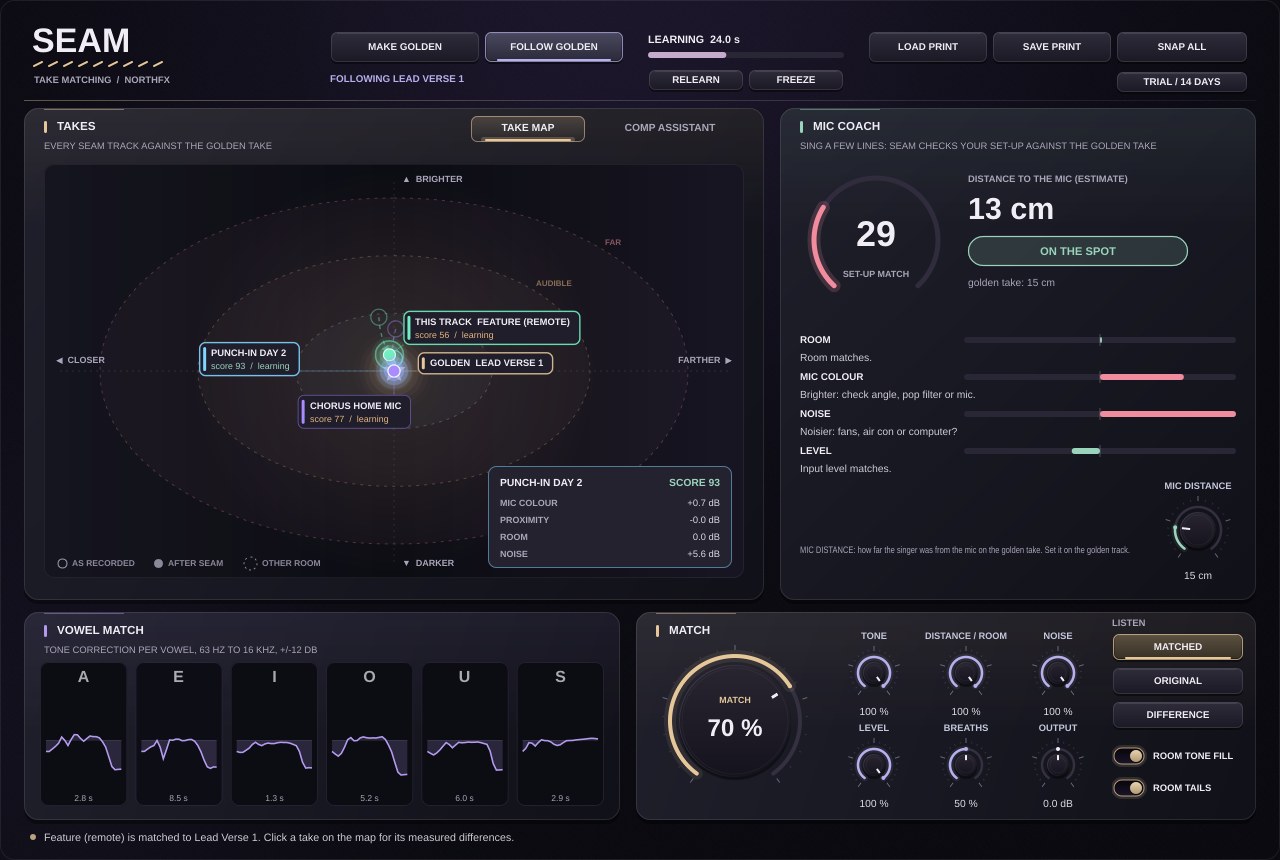
A different mic or distance does not change every vowel the same way. SEAM matches A, E, I, O, U and S sounds separately.
NORTHFX / VOCAL TAKE MATCHING
NEWSEAM 1.0: punch-ins you cannot hear ↓SEAM
VOCAL TAKE MATCHING · VERSION 1.0 · WINDOWS VST3
Every take sounds like your best take.
A punch-in on the next day, a chorus re-sung at home, a feature recorded in another city. Every take sounds a little different, and you hear it at every edit. SEAM learns the sound of the take you love, the golden take, and matches every other take of the same singer to it. Then it rates every line of every take and plays the best comp straight away.
Golden Take matching
Tone per vowel, distance and room, noise, level and breaths, matched to your best take.
Comp Assistant
Every line of every take rated for pitch, timing and clicks. Hear the best comp with one click.
Mic Coach
Before the next take, SEAM tells the singer how the set-up differs from the golden take.
Enquire to buy SEAMDownload free trial
14-day free trial. Full version, no licence key needed. Buy when you are ready.
See how it works ↓Windows 10 / 11 · 64-bit VST3 · Contact NORTHFX for pricing and delivery.

HOW SEAM WORKS
Pick the take you love.The others follow.
Put SEAM on every take of the same vocal part. All SEAM instances in your session know each other. Every take appears on the Take Map, measured against the golden take, and moves onto it as you turn MATCH up.
As recordedAfter SEAMGolden take
- Make it golden.
Open SEAM on the take whose sound you want everywhere, click MAKE GOLDEN and play it once. SEAM learns it as a Voice Print.
- Play the other takes.
Each take learns its own sound and is matched to the golden take straight away. Switch LISTEN to ORIGINAL to hear the difference.
- Hear the comp.
After one pass of the song, the Comp Assistant shows the best take for every line. PLAY COMP plays it without editing a single clip.
WHAT SEAM MATCHES
Everything that changes between takes.
Takes out late room the golden take does not have, or adds its room to a drier take. Held notes stay untouched.
Pulls background noise down to the golden take's noise floor, band by band, by up to 24 dB.
Brings every take to the golden take's level, measured after all the other corrections.
Breaths as loud as in the golden take, so no take breathes louder than the others.
Where a take is cleaner than the golden one, SEAM adds the golden room tone, so a cut leaves no hole.
The Take Map
The golden take is the star in the centre. Every other take sits where it was recorded: closer or farther, brighter or darker, in another room. Turn MATCH and watch it glide onto the golden take. Click a take to see its measured differences in dB.
The Comp Assistant
SEAM rates every line of every take: intonation, wrong notes against the other takes, timing, clicks, pops, clipping, noise and coverage. The best take per line is lit in gold. Pick your own, hear the comp with PLAY COMP, or copy the list.
The Mic Coach
Let the singer sing a few lines before recording. SEAM compares the set-up with the golden take: distance to the mic, room, mic colour, noise and level. MOVE BACK 2 CM is a better fix than any EQ afterwards.
Room tails over cuts
When a vocal is cut, the room stops dead and you hear a hole in the air. SEAM notices the cut and lets the room decay naturally, with the decay it learned. PLAY COMP uses the same tails at every switch.
Voice Prints
Save what SEAM learned as a small file without audio. Send it to a remote singer, who matches the recording to your golden take. Or load it on every song of an album for one vocal sound.
Same sound in the bounce
What a take has learned is saved with your session. FREEZE stops learning, so a frozen take sounds the same in every playback and every bounce. PLAY COMP works in a bounce too.
THE INTERFACE
Every take in view.
The Take Map and the Comp Assistant share the large panel. The Mic Coach sits next to them, and Vowel Match shows the tone correction for every vowel, lighting up the one being sung.
MATCH sets how far a take is pulled onto the golden take. LISTEN compares with the original, or plays only the difference.
Technical specifications
| Format | VST3 (64-bit) |
|---|---|
| System | Windows 10 / 11, x64 |
| Channels | Mono or stereo |
| Latency | About 21 ms at 44.1 / 48 kHz, compensated by your DAW |
| Analysis | 25 third-octave bands from 63 Hz to 16 kHz, six vowel classes, room decay, noise floor, level and breaths |
| Comp Assistant | Intonation, wrong notes, timing, clicks, pops, clipping, noise and coverage per line · PLAY COMP with equal-power crossfades |
| Session | All SEAM instances share the golden take, the Take Map and the Comp Assistant |
| Sample rates | 44.1 to 192 kHz |
| Interface | 1280 × 860, scalable 60–150% |
| Content | Voice Print files (.seamprint) · English manual (PDF) |
MORE FROM NORTHFX
Keep exploring.
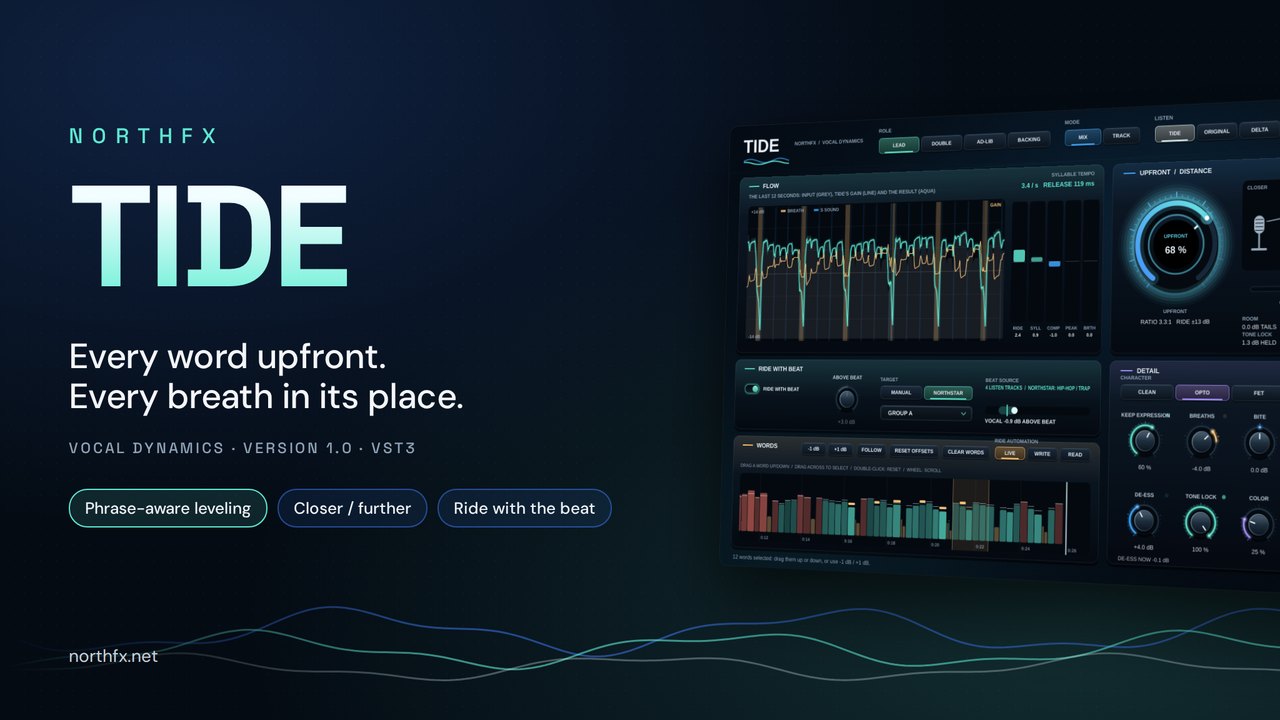
VOCAL DYNAMICSVST3 · WIN
TIDE
Every word upfront. Every breath in its place.
Explore TIDE 14 days free→
MIX GUIDEVST3 · WIN
NORTHSTAR
Find your way through the mix.
Explore NORTHSTAR 14 days free→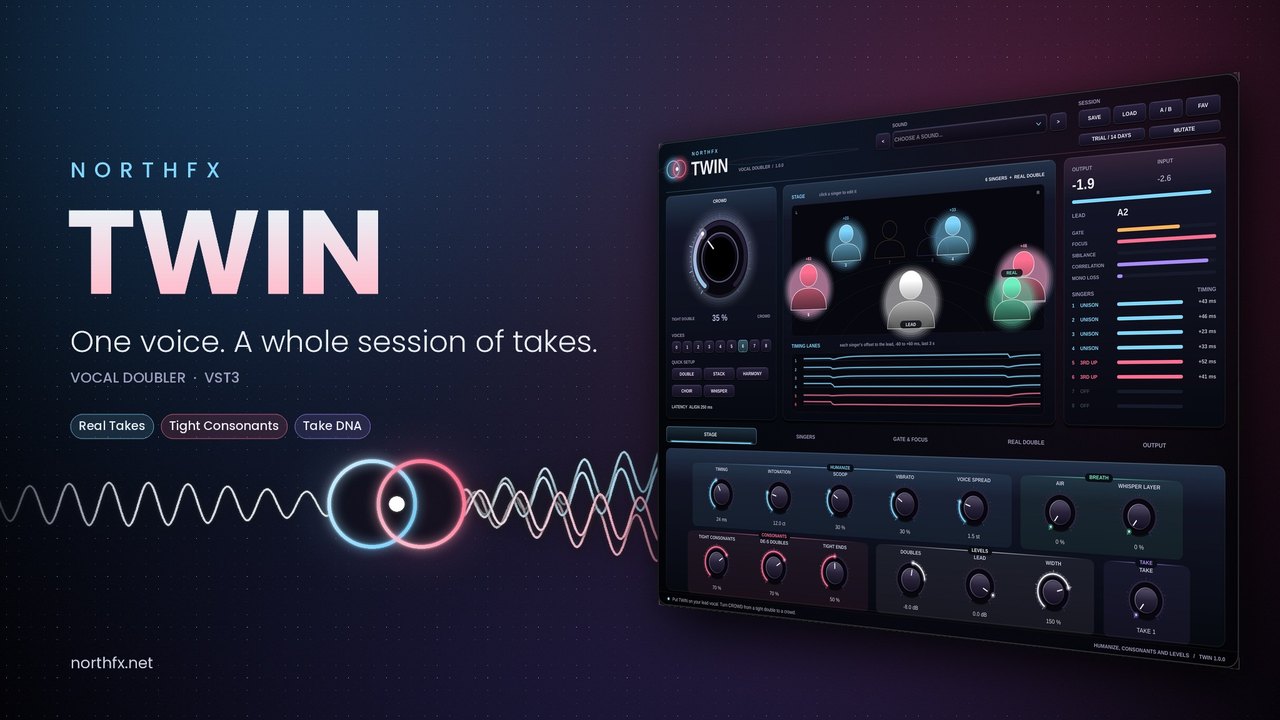
VOCAL DOUBLERVST3 · WIN
TWIN
One voice. A whole session of takes.
Explore TWIN 14 days free→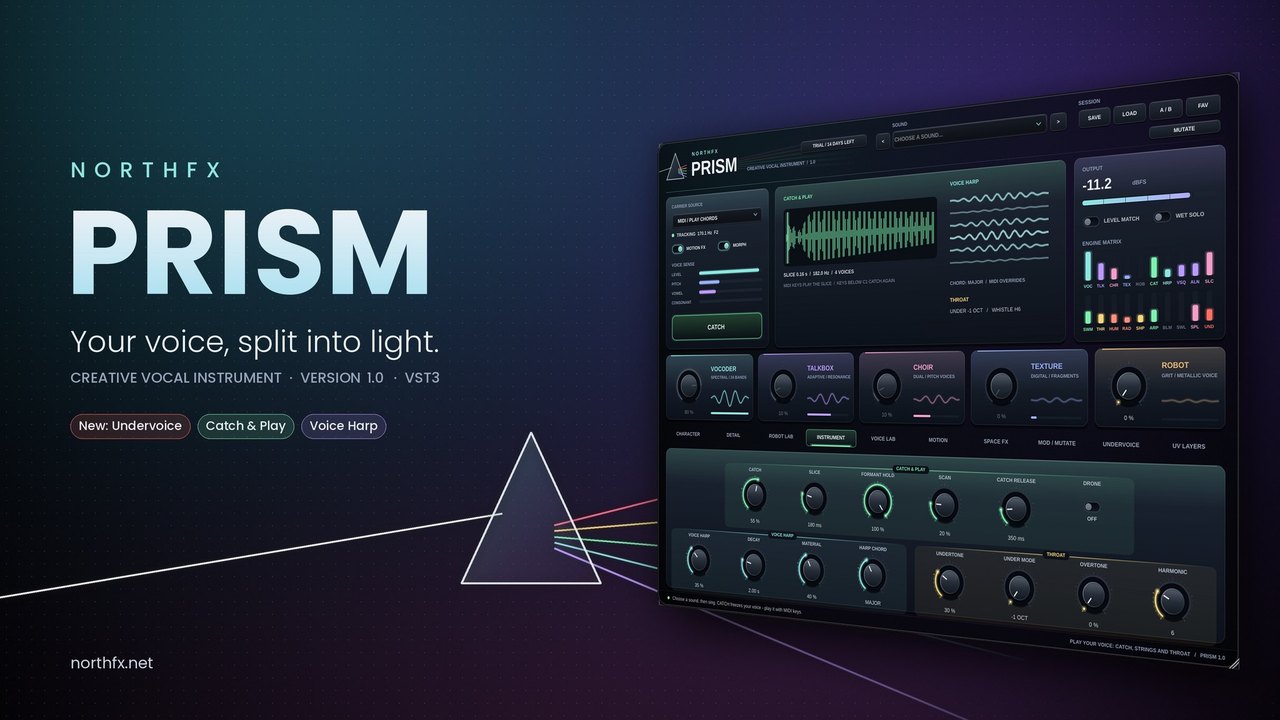
CREATIVE VOCAL INSTRUMENTVST3 · WIN
PRISM
Your voice, split into light.
Explore PRISM 14 days free→