Lead vocal · SENSE, one click
SENSE heard a vocal and found sub rumble and mud around 200 Hz in this take. FIX: a low cut and a gentle mud cut. The voice opens up, nothing else changes.
 Try free for 14 days ↗
NORTHFX / LISTENING EQ
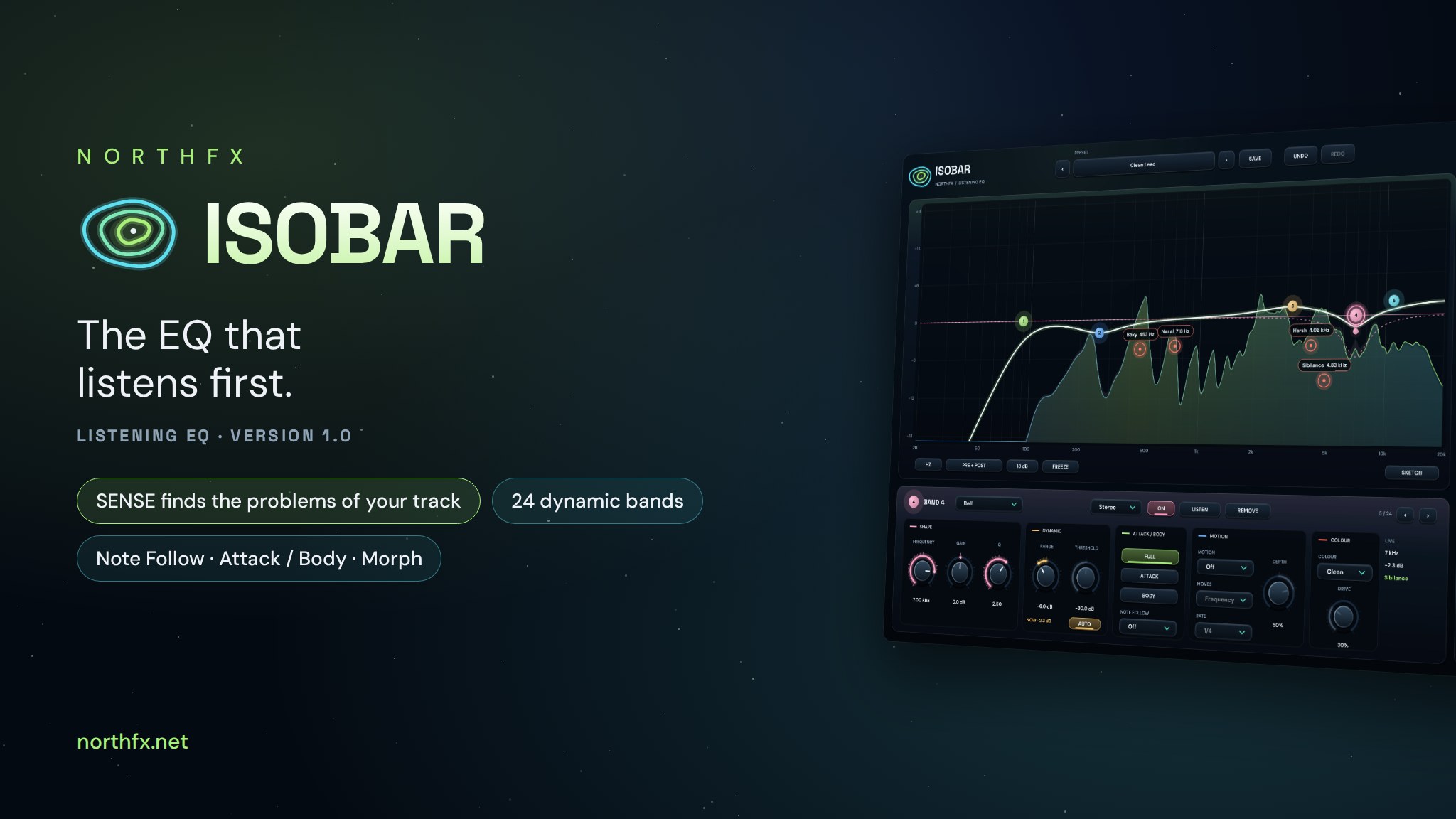
NEWISOBAR 1.0 ↓The EQ that listens first.
Play your track and ISOBAR tells you what it hears: a vocal, a kick, an 808, a full mix. Then it shows where the problems of this very recording sit, mud, boxiness, a nasal resonance, harsh peaks, sibilance, pops, and fixes each one with a click. Underneath is a complete 24-band EQ with analog-shaped curves, where every band can be dynamic, work only on the attack or the body, follow the notes, move with the song and add colour.
Measured on your track: the nasal zone of one singer is at 780 Hz, of another at 1.3 kHz. Hear it, then fix it.
Dynamic, attack or body only, Note Follow for 808 and bass, Motion in time with the song, Tame for resonances.
Match a reference, sketch a curve, let tracks make room for each other and morph between verse and hook EQs.
14-day free trial. Full version, no licence key needed. Buy when you are ready.
Hear the difference ↓Windows 10 / 11 · 64-bit VST3 · Contact NORTHFX for pricing and delivery.
ISOBAR / BEFORE AND AFTER
Rendered with ISOBAR 1.0, nothing else in the chain. Both versions are matched in loudness, so you hear the tone, not the volume. Switch while it plays.
SENSE heard a vocal and found sub rumble and mud around 200 Hz in this take. FIX: a low cut and a gentle mud cut. The voice opens up, nothing else changes.
One ISOBAR on the vocal, one on the beat. The beat steps aside in the vocal's range only while the vocal sings. The beat stays full, the vocal comes forward.
The factory preset 808 Even Notes: bands that follow the root and the 2nd harmonic of every note, so low and high notes hit with the same weight.
Use headphones or studio monitors. Laptop speakers hide most of the low end.
HOW IT WORKS
Play a few seconds. SENSE learns what the source is and builds a long-term picture of it: the tone, the pitch, the hits, and the moments where a region jumps out, like S sounds or plosives.
Eleven source types: vocal, kick, 808, snare, hats, bass, guitar, keys, drum bus, mix bus, or choose it yourself.
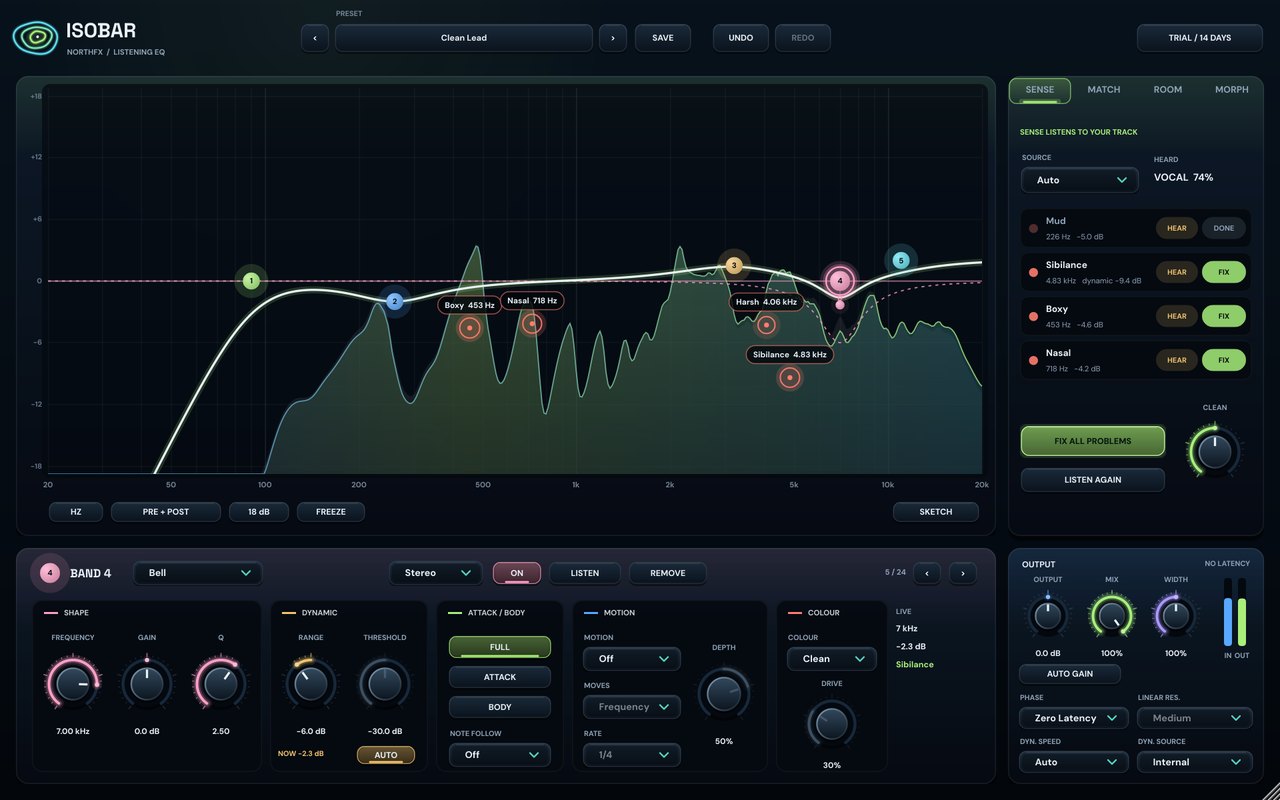
Every finding appears on the display with its name and frequency: Mud 226 Hz, Nasal 718 Hz, Sibilance 6.8 kHz. Hold HEAR and you hear only that range, so you decide with your ears, not with a number.
Words, not only Hz: switch the scale to Mud, Boxy, Nasal, Presence, Air and more.
FIX adds the right band: a narrow cut for a resonance, a gentle wide cut for mud, a dynamic band for sibilance and harsh loud notes, a dynamic low cut for pops. One CLEAN knob sets how strongly all of them work.
Still your EQ: every SENSE band is a normal band you can change.
24 BANDS, NINE SHAPES
Boost or cut, Q 0.025 to 40
Low and high, analog-shaped to 20 kHz
6 to 96 dB/oct with resonance
Deep and narrow
Keep only the region
Brighter or darker in one move
Finds and cuts resonances live
Acts only when it sticks out
Click without hiss, weight without mush
Every 808 note equally heavy
Sweeps and wah in time
Warm, tape or tube per band
Plus left and right per band
Zero latency, natural, linear
Compare tone, not loudness
Vocal, drums, 808, mix, creative, morph
FOR THE WHOLE MIX
Put ISOBAR on several tracks and give each a priority. The beat steps aside in the vocal's range only while the vocal sings, and gets its mids back in the gaps. No routing, no sidechain cables.
Capture a reference song and ISOBAR builds the tonal difference from four to eight real bands. Or draw the curve you want with the mouse and let ISOBAR turn it into bands.
Live match: send the reference to the sidechain and watch the difference follow it.
Store one EQ as B, shape A, and blend them: by hand or automation, by song section (verse gets A, hook gets B, learned from the song itself) or by loudness.
Smooth by design: every band glides, bands on one side only fade in and out.
THE INTERFACE
A large display with an aurora analyzer before and after the EQ, glowing band orbs you drag, findings with their names, the live position of every moving band, and the cuts Make Room is taking right now.
Thirty-four factory presets, user presets, undo and redo, a resizable window and a manual with recipes for vocals, drums, 808 and the mix.
| Format | VST3 (64-bit) |
|---|---|
| System | Windows 10 / 11, x64 |
| Channels | Mono or stereo, stereo sidechain input |
| Bands | 24; Bell, Low / High Shelf, Low / High Cut 6–96 dB/oct, Notch, Band Pass, Tilt, Tame; 10 Hz – 30 kHz |
| Per band | Stereo, left, right, mid, side; dynamic with auto threshold; attack / body; note follow; motion; colour |
| Phase modes | Zero latency, natural phase (2× oversampled), linear phase (4 resolutions) |
| Analysis | SENSE (11 sources), Match, Sketch, Tame, Make Room (up to 32 instances) |
| Presets | 34 factory presets, user presets |
| Sample rates | 44.1 to 192 kHz |
| Interface | 1280 × 800, scalable from 60 to 150 % |
| Licence | One person, two computers; 14-day free trial |
ISOBAR / FAQ
ISOBAR is a 24-band dynamic EQ plugin (VST3, Windows) that listens to your track first. Its SENSE analysis recognises the source and finds the problems of that very recording, such as mud, boxiness, a nasal resonance, harsh peaks, sibilance and pops, and fixes each one with a click.
Yes. SENSE measures the vocal while it plays and shows each finding with a name and its exact frequency, for example Nasal at 780 Hz or Sibilance at 6.8 kHz. Hold HEAR to listen to only that range, then press FIX. Sibilance and harsh notes get dynamic bands that only act when the problem actually occurs.
Yes. Every one of the 24 bands can be dynamic, with an automatic threshold that learns from the signal. Bands can also work only on the attack or only on the body of a sound, follow the pitch of the notes (Note Follow) or move in time with the song (Motion).
ISOBAR is a 64-bit VST3 plugin for Windows 10 and 11. It runs in VST3 hosts such as FL Studio, Ableton Live, Cubase, Studio One, Reaper and Bitwig Studio. There is no macOS or AAX version at the moment.
Not in the default Zero Latency mode. Natural Phase (2× oversampled) and Linear Phase (four resolutions) add latency, which ISOBAR reports to your DAW so the track stays in time.
Put ISOBAR on several tracks and give each a priority. A track with lower priority steps aside in the range of a more important track, only where and while both are loud. The beat makes room for the vocal while it sings and gets its mids back in the gaps, with no sidechain routing.
Yes. The 14-day trial is the full version with every feature and no licence key. When you buy, you get a licence key that activates ISOBAR on up to two of your computers. No subscription.
MORE FROM NORTHFX

Effects are stars. Movement connects them.
Explore CONSTELLATION 14 days free→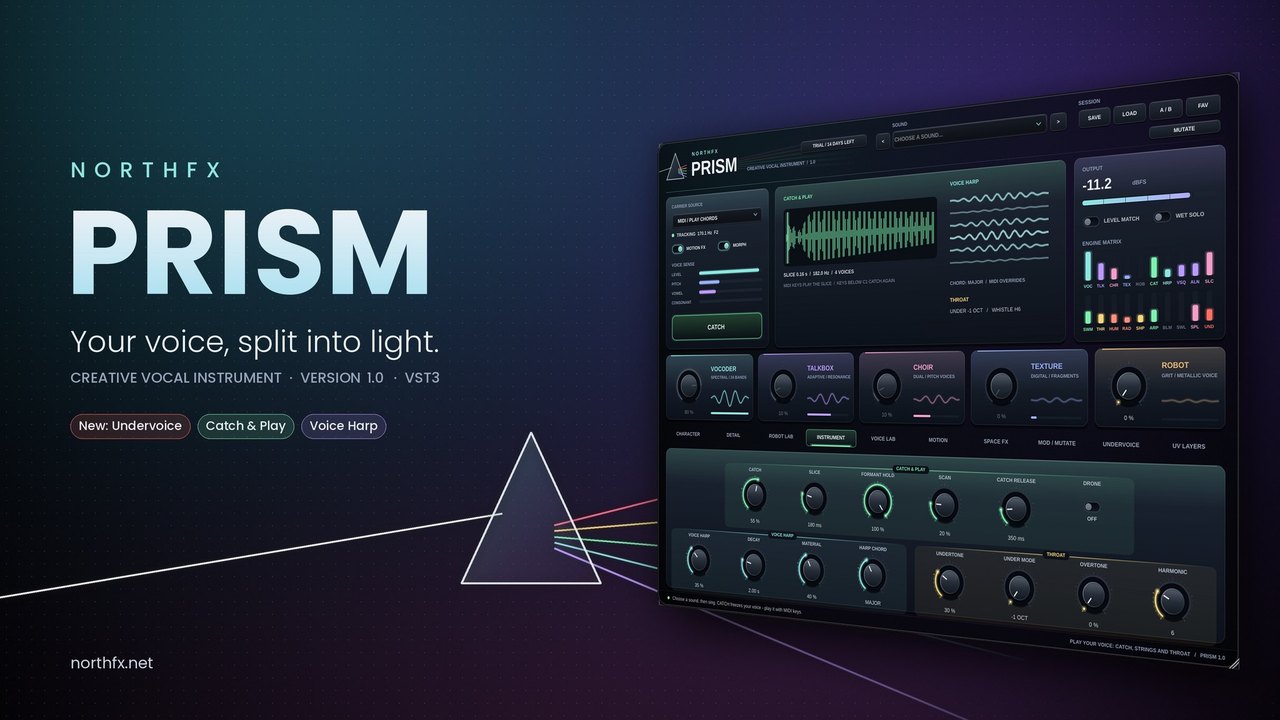
Your voice, split into light.
Explore PRISM 14 days free→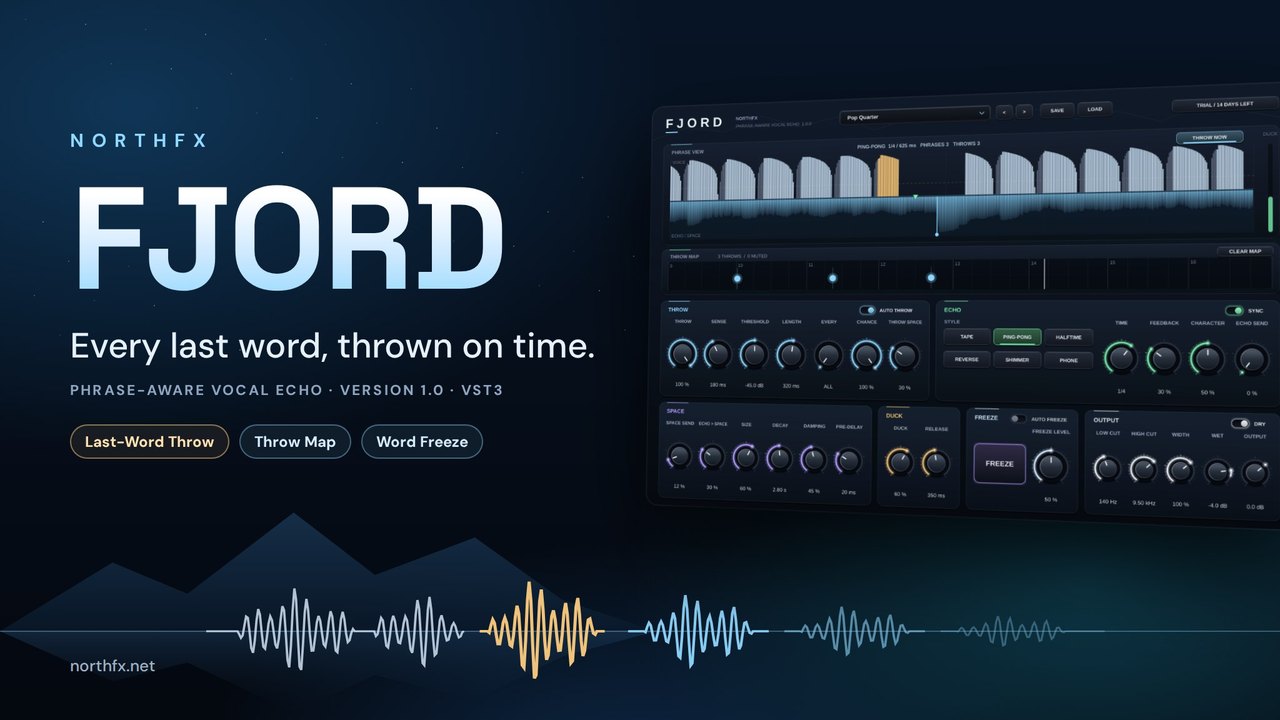
Every last word, thrown on time.
Explore FJORD 14 days free→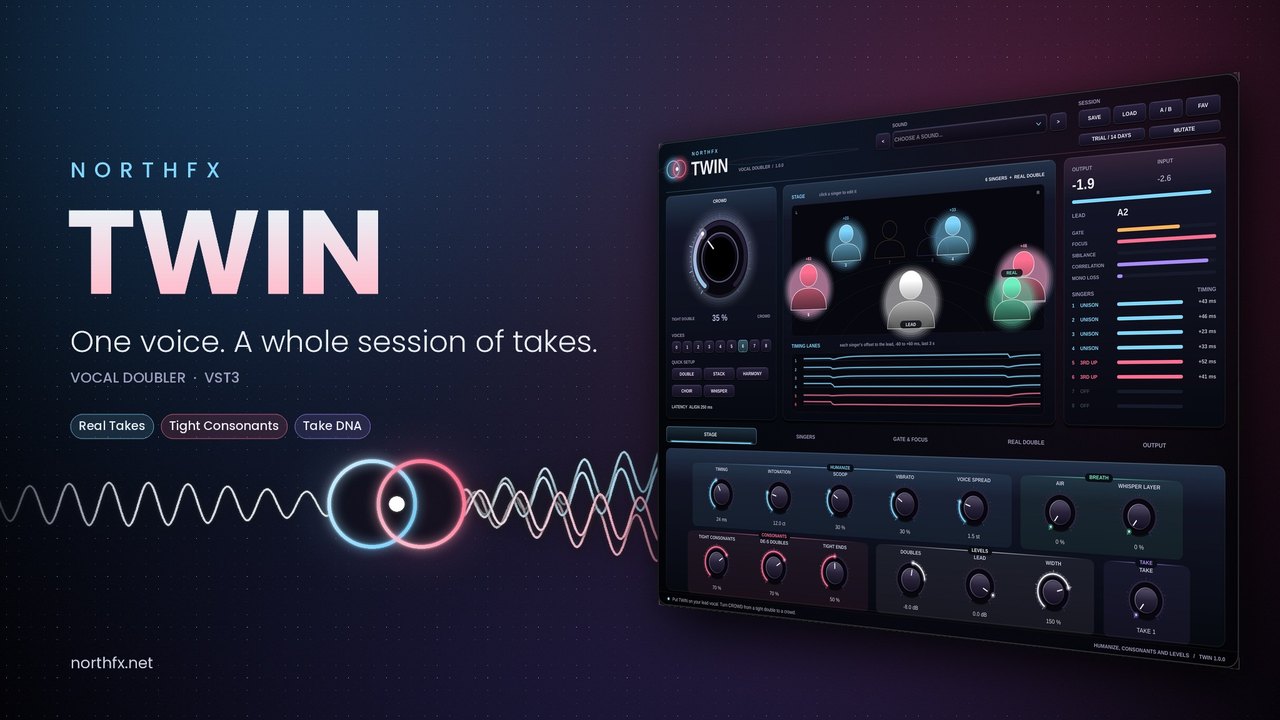
One voice. A whole session of takes.
Explore TWIN 14 days free→